Pick better
colors.
Generate, extract, test, and understand color—free, private, and without an account. Every calculation runs in your browser with its method and limits explained.
Build a five-color palette
Choose a harmony and generate. Lock the colors worth keeping, then refresh only the rest.
Open the full tool for sharing, reordering, and CSS export →
Generate. Extract. Test.
Image color picker
Pick any pixel and extract a six-color palette from a JPEG, PNG, or WebP image. Processing stays inside your browser and no upload is required.
Use it now →Contrast checker
Check a foreground and background against WCAG 2.2 AA and AAA ratios for normal text, large text, and interface components.
Use it now →Color converter
Convert a HEX color to CSS-ready RGB, HSL, perceptual OKLCH, and an approximate CMYK value with one free browser tool.
Use it now →Gradient generator
Build a linear or radial gradient with two to five colors, adjust the angle, preview it live, and copy production-ready CSS.
Use it now →Color mixer
Mix two HEX colors at any ratio, copy the result, and compare a six-step blend scale from the first color to the second.
Use it now →Color name finder
Enter a HEX code to find the nearest plain-language color name and five perceptually similar named colors using OKLCH distance.
Use it now →A workflow that keeps moving.
- 01Extract from an imageThe file stays on-device.
- 02Refine palette rolesLock, edit, and share.
- 03Test text contrastCheck AA and AAA.
- 04Ship the CSSCopy variables and gradients.
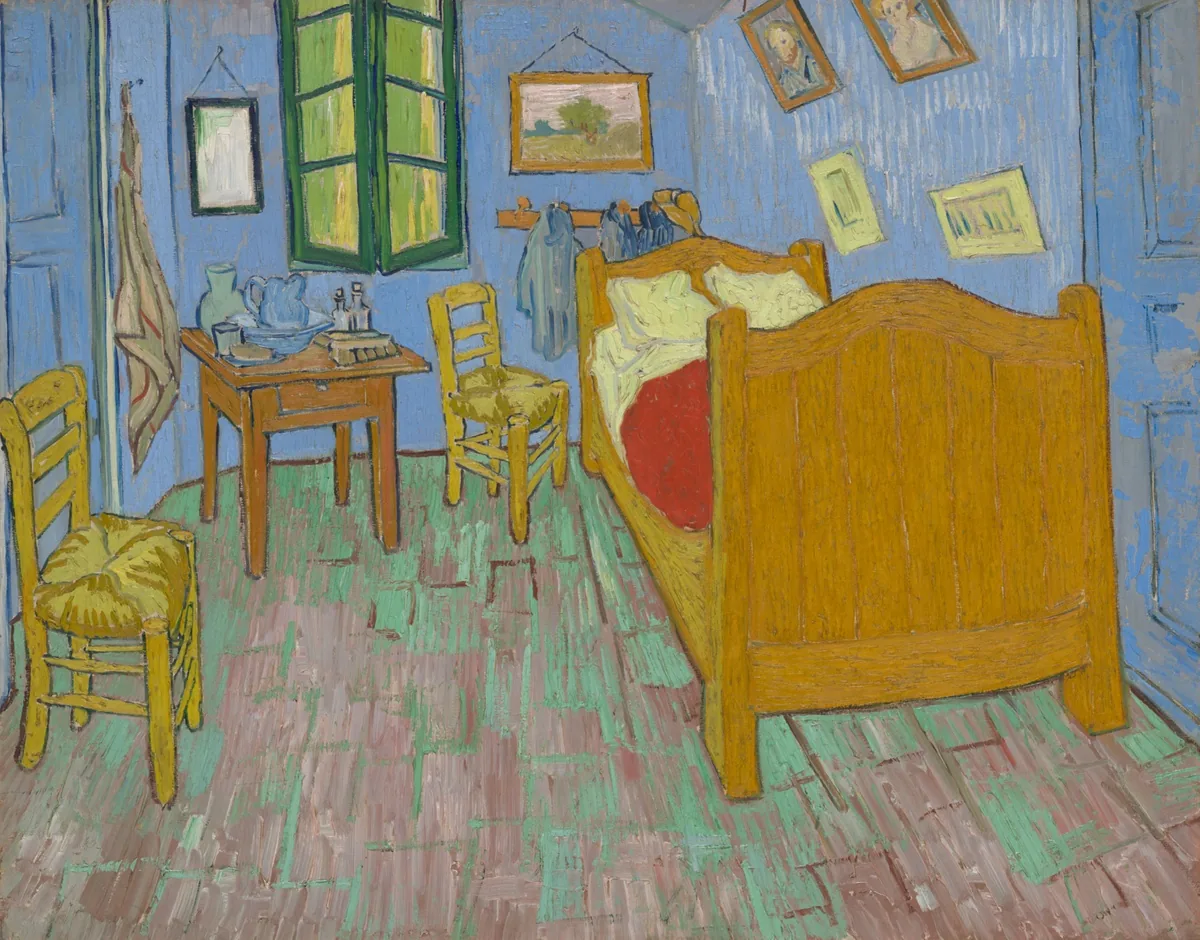
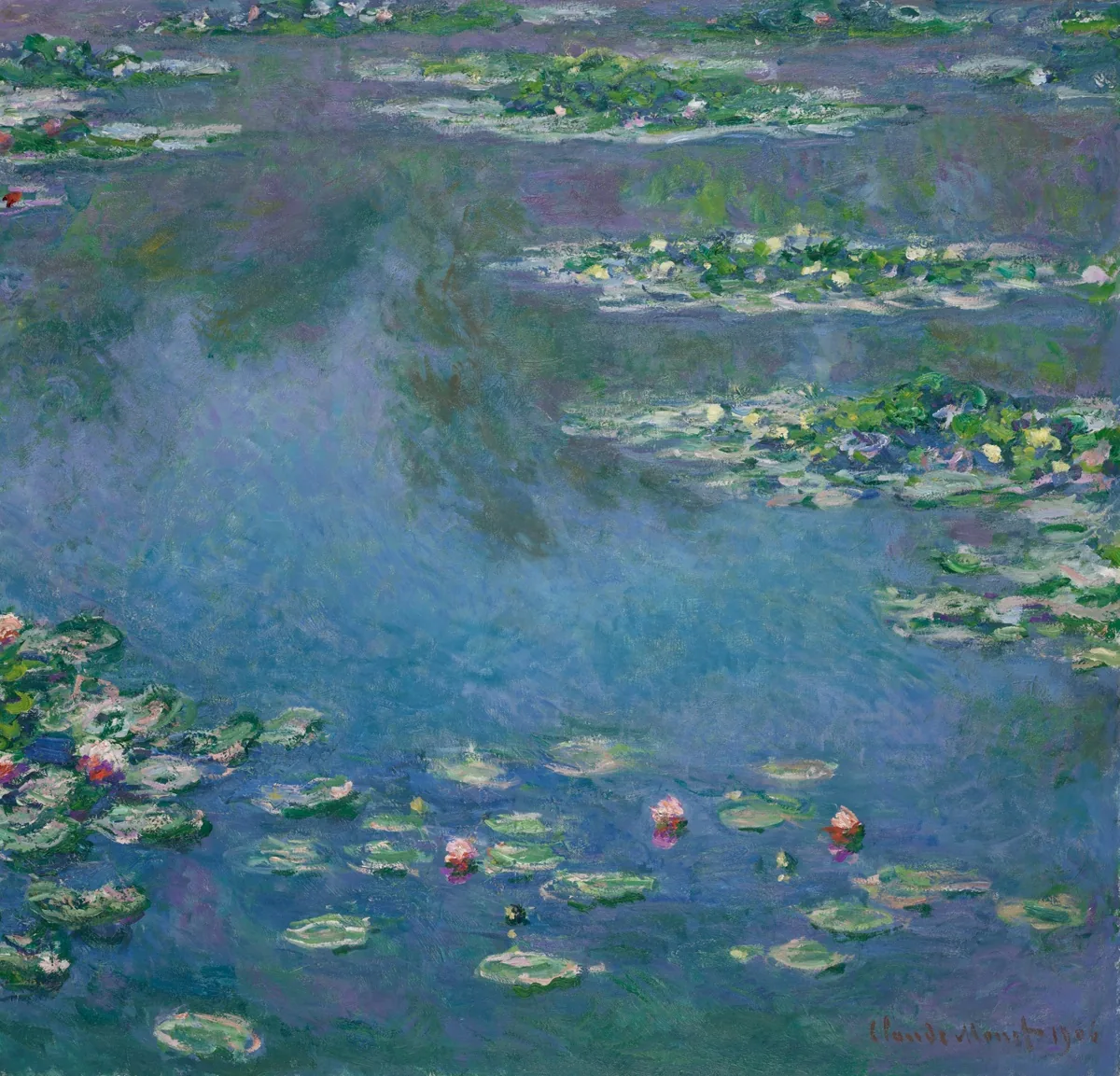
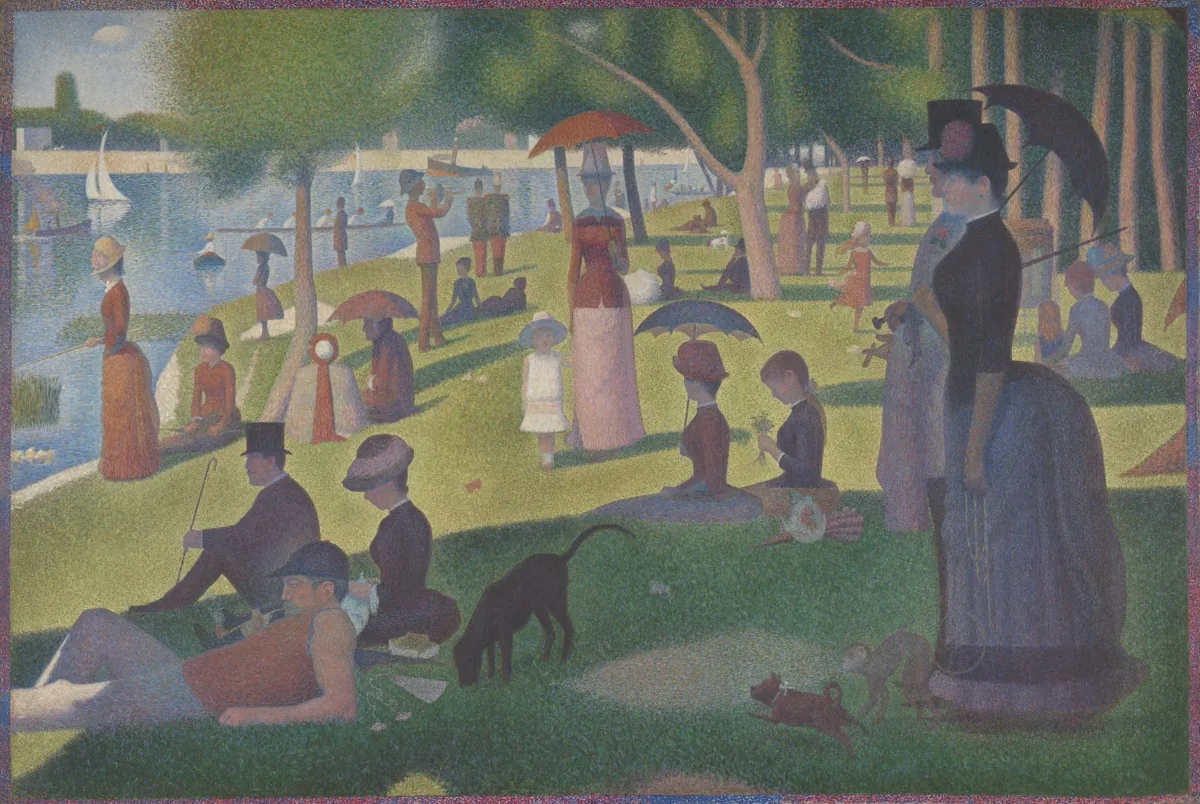
Read color through art.
We go beyond extraction to explain why the colors work together and how to translate them into design roles.
Explore all 8 artworks →
Practical guides to color
How to create a useful color palette
A practical method for turning one starting color into a role-based, accessible palette for websites, products, posters, and brands.
Read guide →WCAG color contrast in practice
Understand 3:1, 4.5:1, and 7:1 contrast requirements, the large-text exception, non-text controls, gradients, transparency, and common testing mistakes.
Read guide →How to use the 60–30–10 color rule
Use the 60–30–10 color rule to establish hierarchy in rooms, interfaces, and graphics—without treating a flexible design heuristic as exact arithmetic.
Read guide →The method and the limits are part of the result.
PIQE does not mass-produce thin pages by swapping color codes. We use inspectable math, primary standards, and museum rights records—and explain what each tool cannot know.
Good to know
Are all PIQE color tools free?
Yes. There is no account, payment, or usage limit. Save a result by copying its share URL or CSS.
Does the image color picker upload my file?
No. The browser Canvas API reads it on your device and the image file is not sent to a PIQE server.
How are the art palettes selected?
PIQE clusters pixels from museum public-domain reproductions, then reviews broad color relationships and small focal accents to create five useful role colors.